Public beta on TestFlight

PhotoObjects Creator 2.0
Beta

Version 2.0 is in testing on TestFlight before it reaches the App Store. It puts your photos into 14 new 3D objects and adds Apple Intelligence text suggestions, music, motion, a project library, and a spatial workspace on Apple Vision Pro. Join the beta and tell us what you think.

Join the Beta on TestFlight iPhone, iPad and Apple Vision Pro
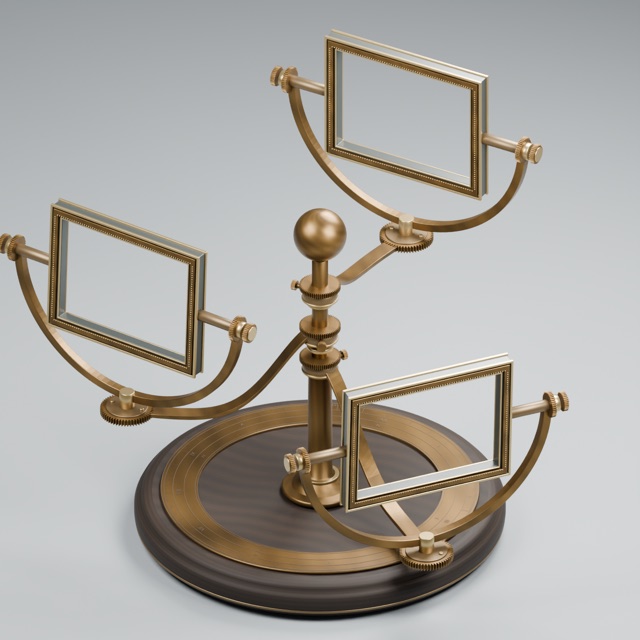
The Orrery object: three brass frames orbiting a walnut base

Meet the Objects

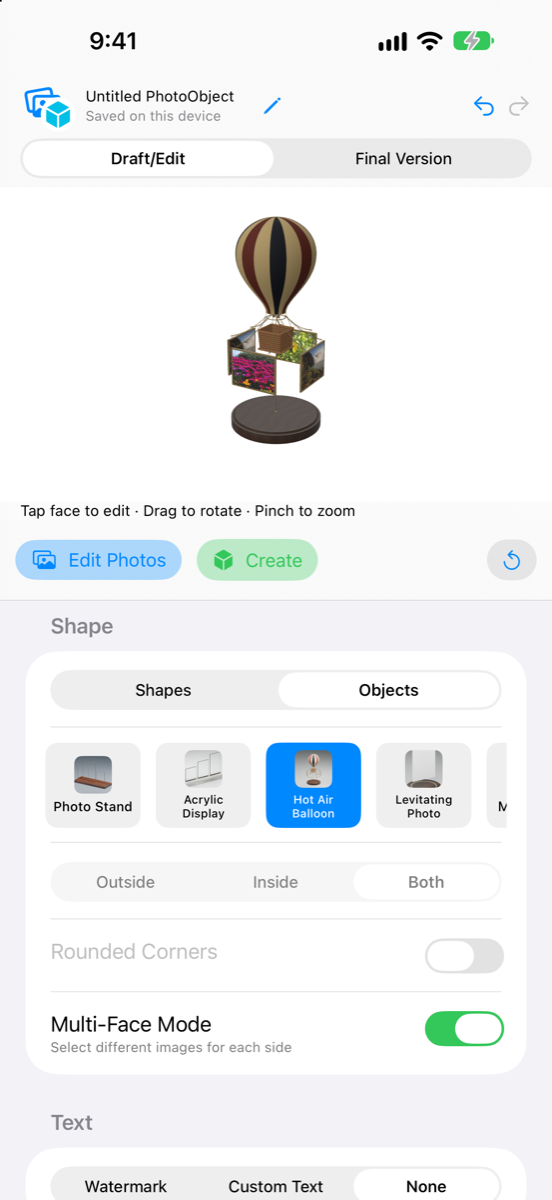
Objects are new: detailed 3D scenes with places for your photos. Pick one from the Shape menu's new Objects switch, fill its photo frames, and engrave your text into it. Each one exports as a USDZ you can open in AR, Messages or on Vision Pro.

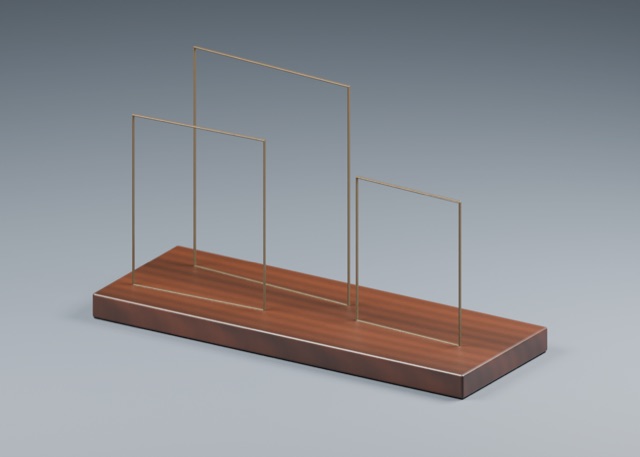
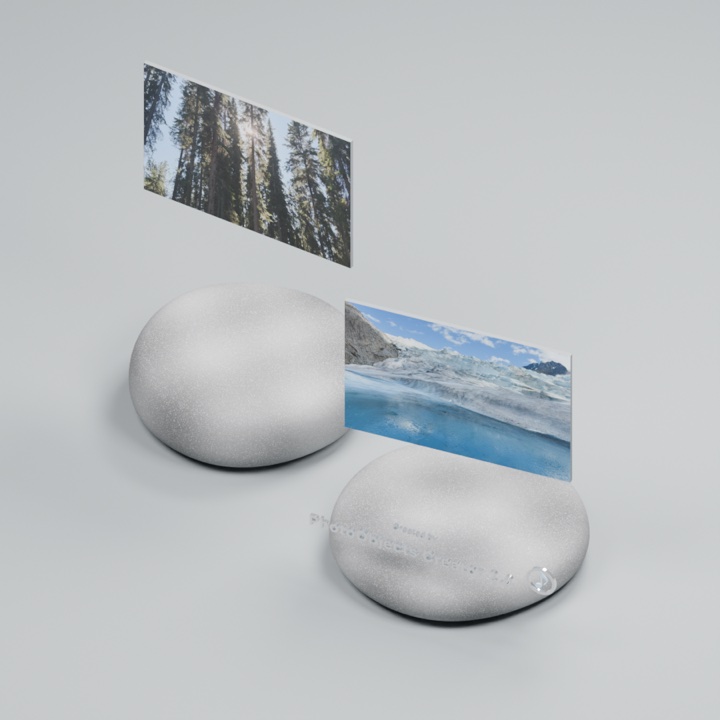
Photo Stand
Photo Stand Free
Snow Globe
Snow Globe
Orrery
Orrery
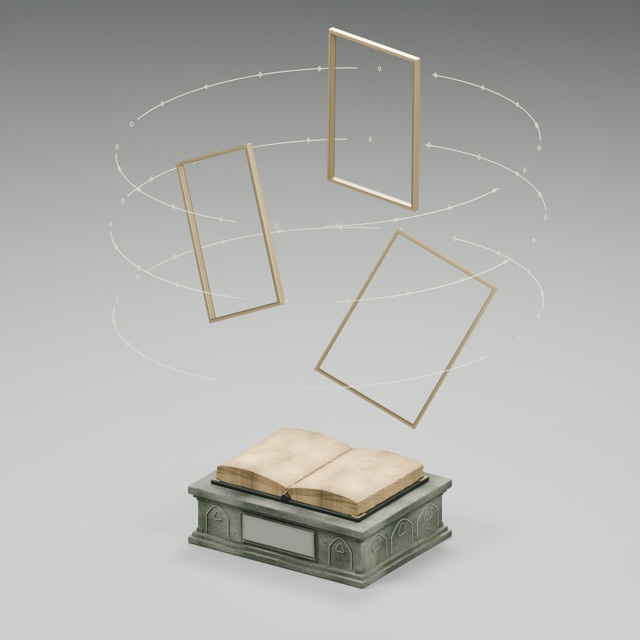
Spellbook
Spellbook
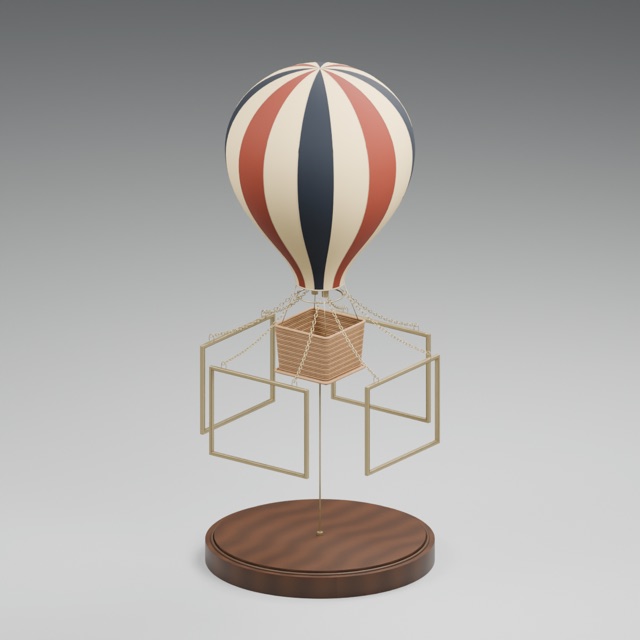
Hot Air Balloon
Hot Air Balloon
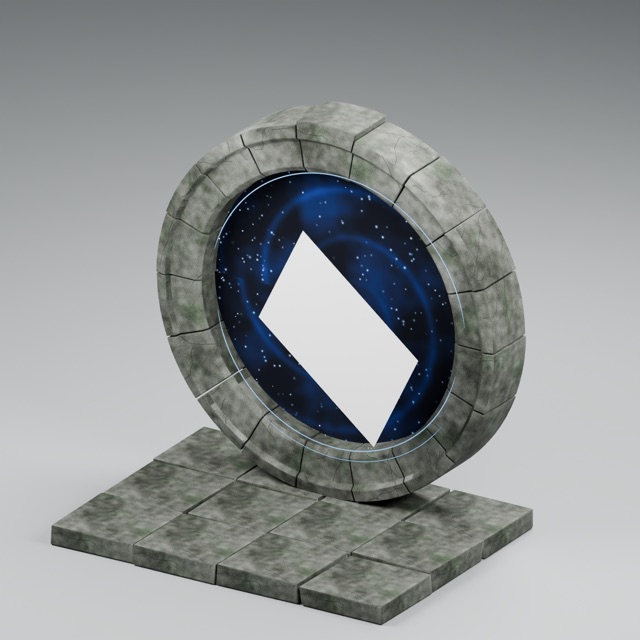
Moon Gate
Moon Gate
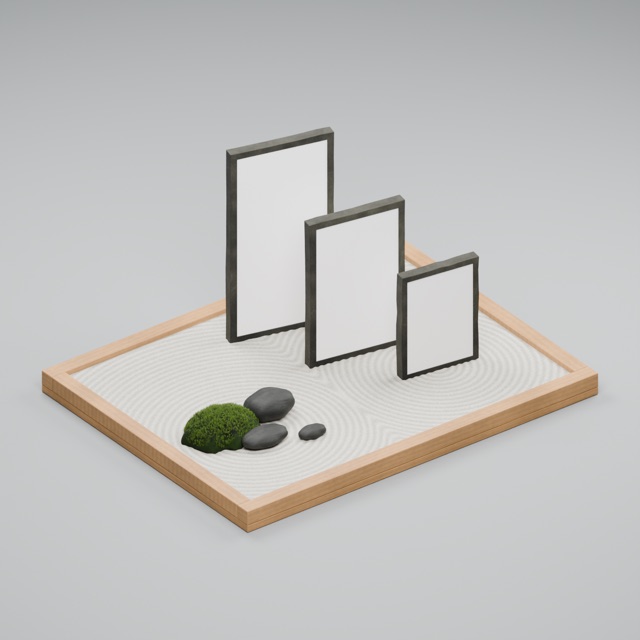
Zen Garden
Zen Garden
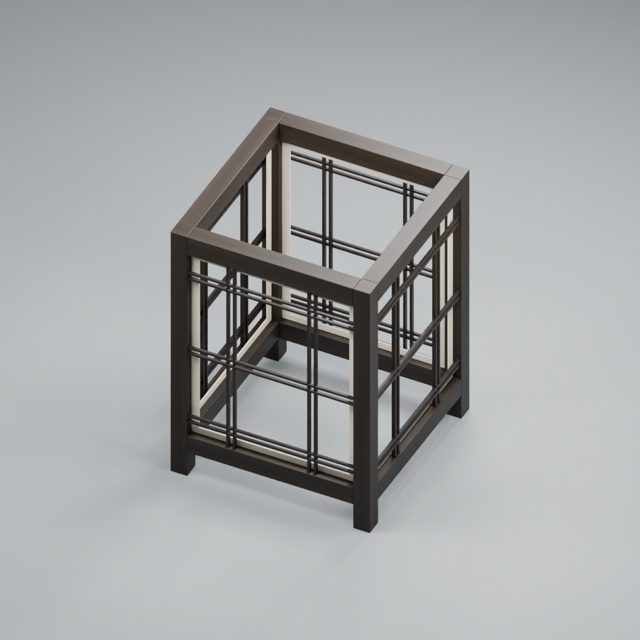
Paper Lantern
Paper Lantern
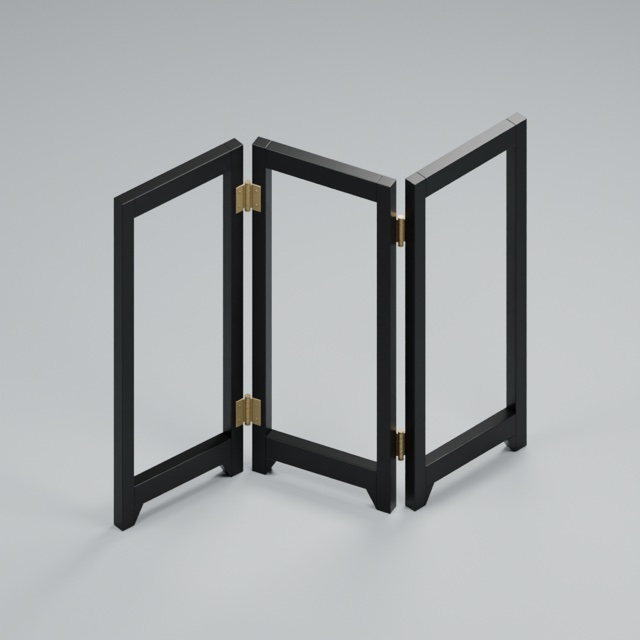
Shoji Screen
Shoji Screen
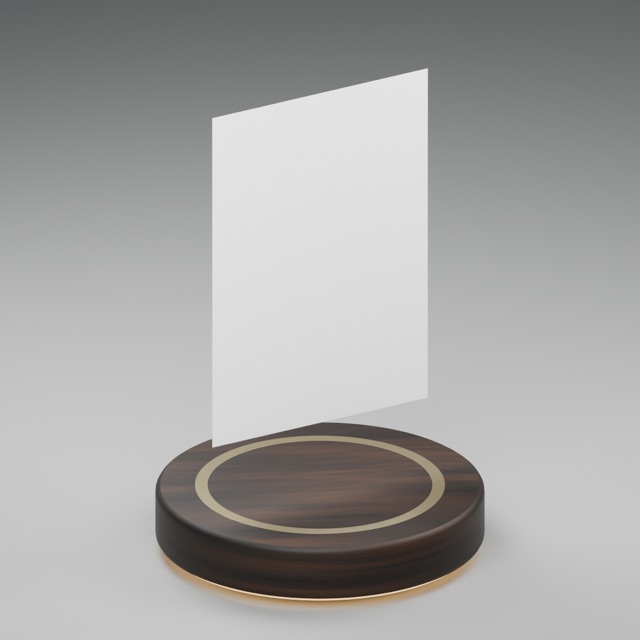
Levitating Photo
Levitating Photo
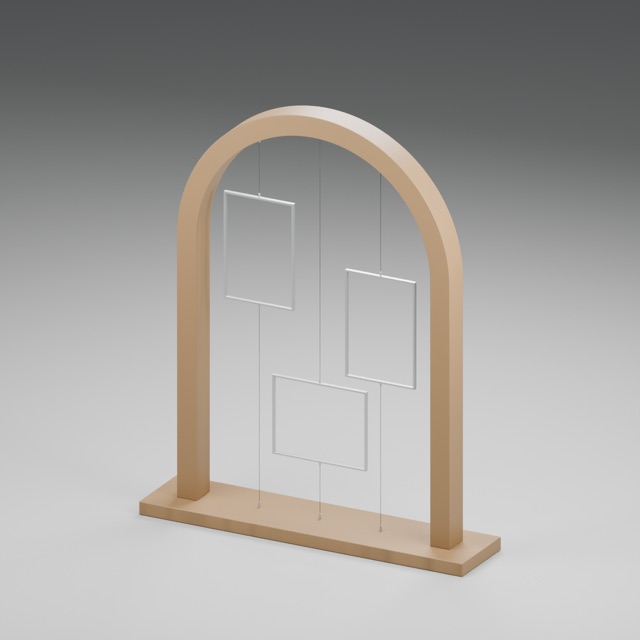
Wire Arch
Wire Arch
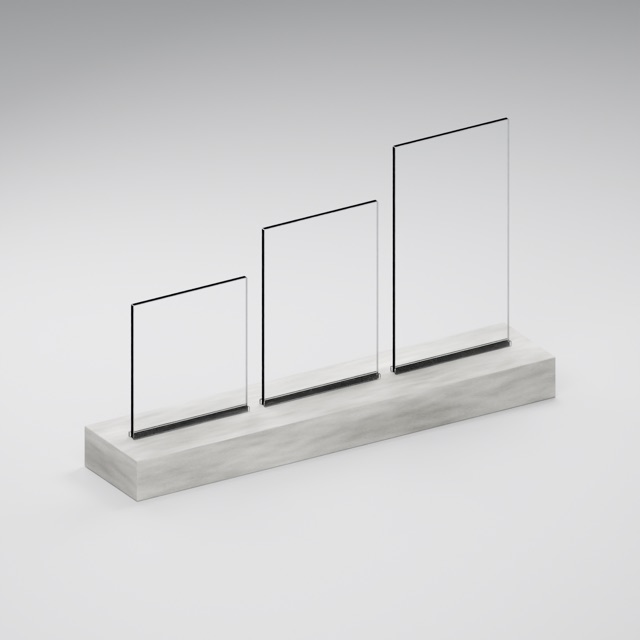
Acrylic Display
Acrylic Display
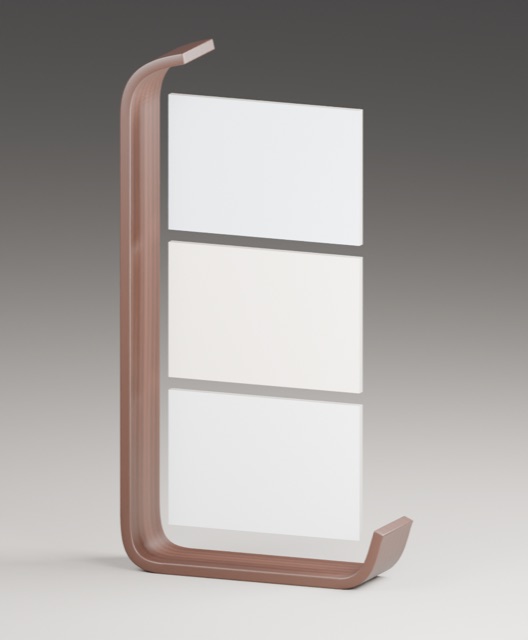
Stacked Photo Display
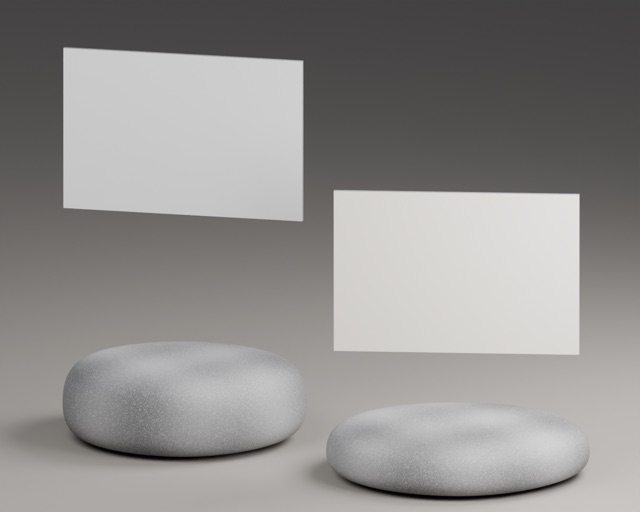
Stone Islands
Stone Islands

Objects are shown here with empty frames. Photo Stand is free; the other objects are part of Premium. Objects need iOS, iPadOS or visionOS 27.

All Your Shapes, Better Than Ever

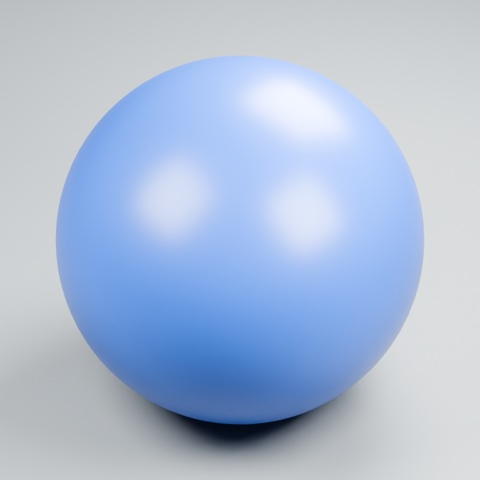
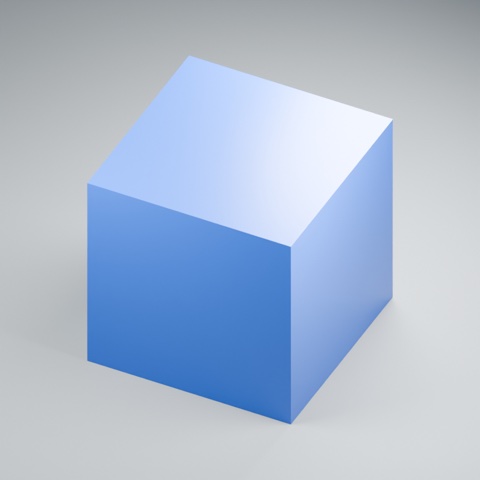
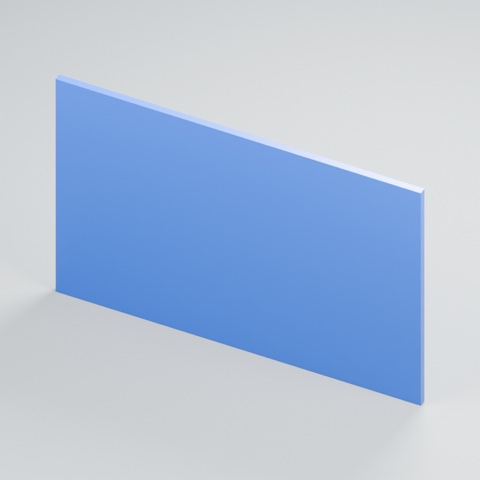
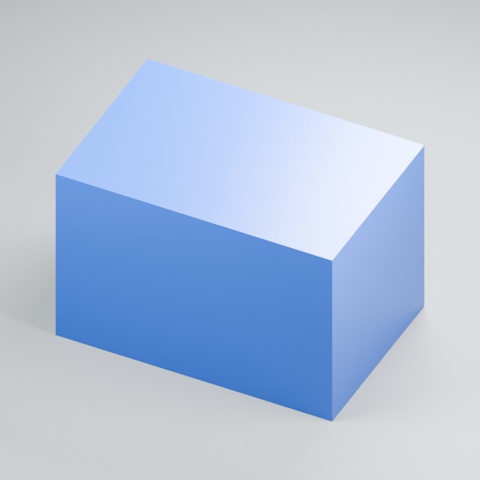
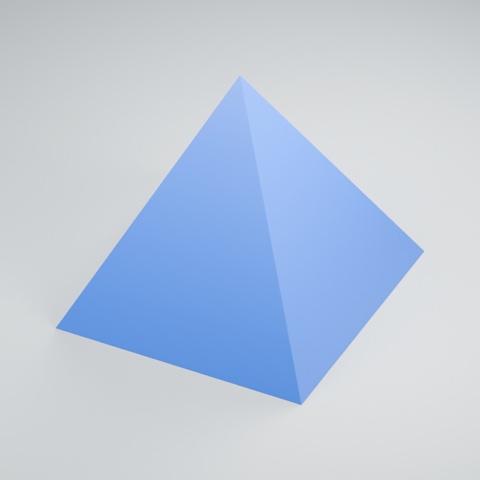
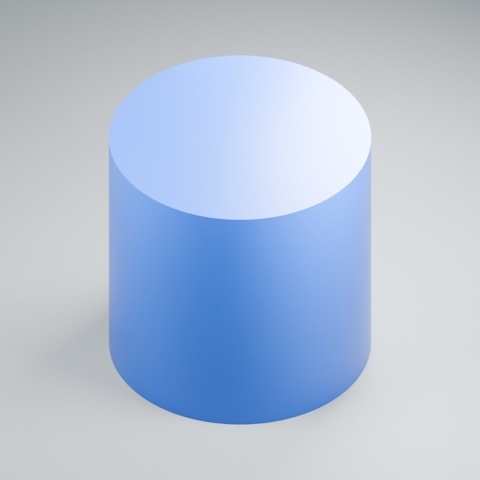
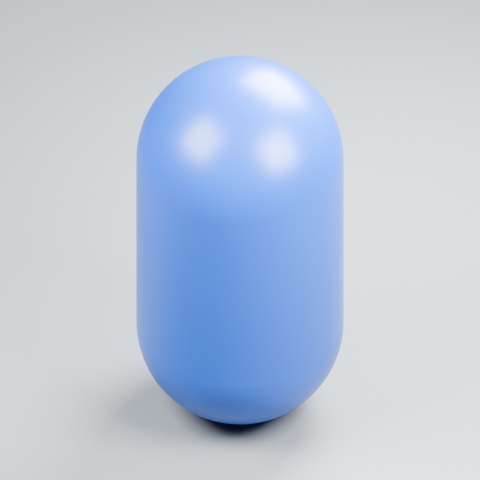
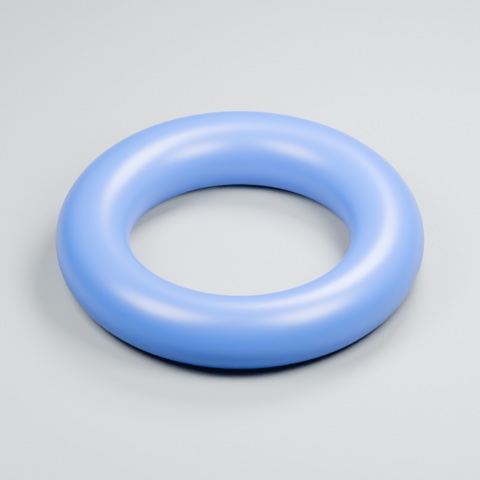
Every shape you know is still here, and each one works better with 2.0's new tools: its own photo on each face, cropping that fits each face, rounded corners that export cleanly, and music, motion and engraved text.

Sphere
Sphere
Cube
Cube
Tile
Tile
Rectangle
Rectangle
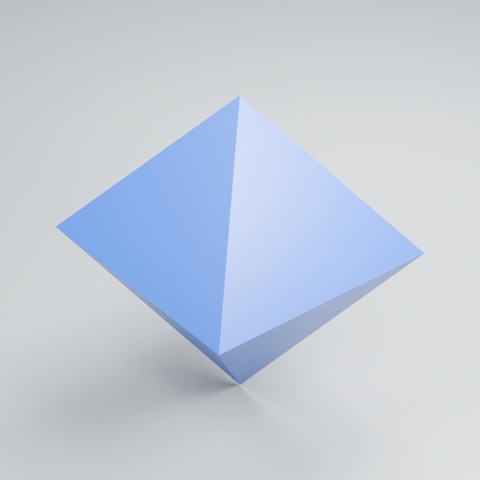
Pyramid
Pyramid
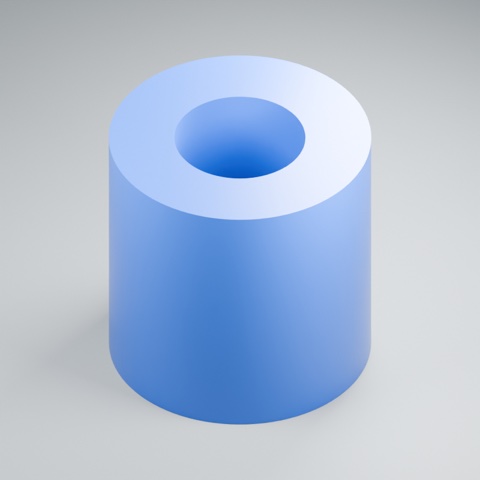
Cylinder
Cylinder
Cone
Cone
Capsule
Capsule
Tube
Tube
Torus
Torus
d8
d8
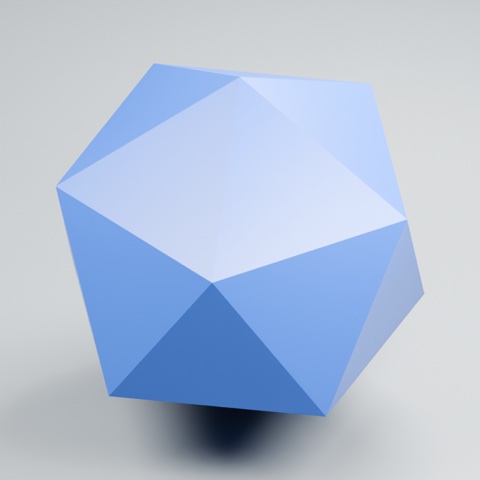
d20
d20

What's New in 2.0

✦

Suggest Text from Photos

Apple Intelligence reads your photos' dates, places, nearby landmarks and contents, then offers three title and caption pairs. Tap one to use it, or press and hold to take just one line. Everything stays editable.

♪

Music and Sound

Add one of the included tracks or your own M4A, MP3 or WAV file. Choose whether it plays once, repeats, or waits for a tap on a small ♪ button in AR.

↻

Motion

Spin your creation and lean its axis with the new tilt cube. Objects move in their own way: frames orbit the Orrery, the Spellbook's pages swirl, and the balloon's frames swing.

▤

Project Library

Projects now stay editable. Find them in a searchable library with live 3D previews, keep them in iCloud Drive, and browse every USDZ you've made as cards or a list.

⌗

Photo Placement

  • Crop and position each photo on its own face
  • Photos crop to each face's real proportions
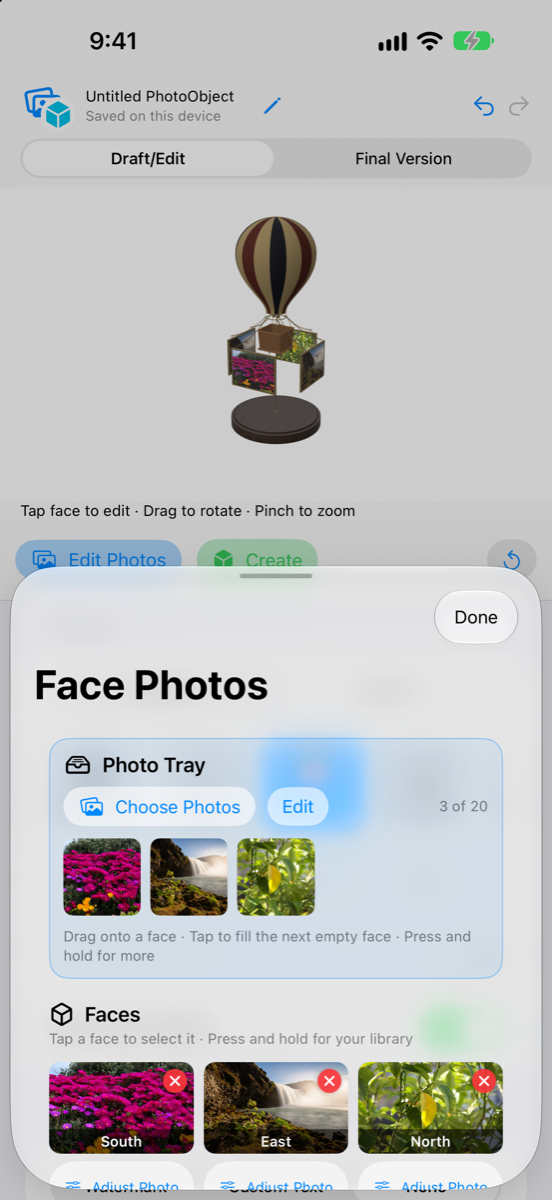
  • A photo tray holds pictures until you place them
Aa

Text Color and Finish

Pick any color for your text and watermark, and slide its finish from matte paint to a mirror shine. On objects, your text is engraved right into the wood, stone or brass.

◎

Spatial Workspace on Vision Pro

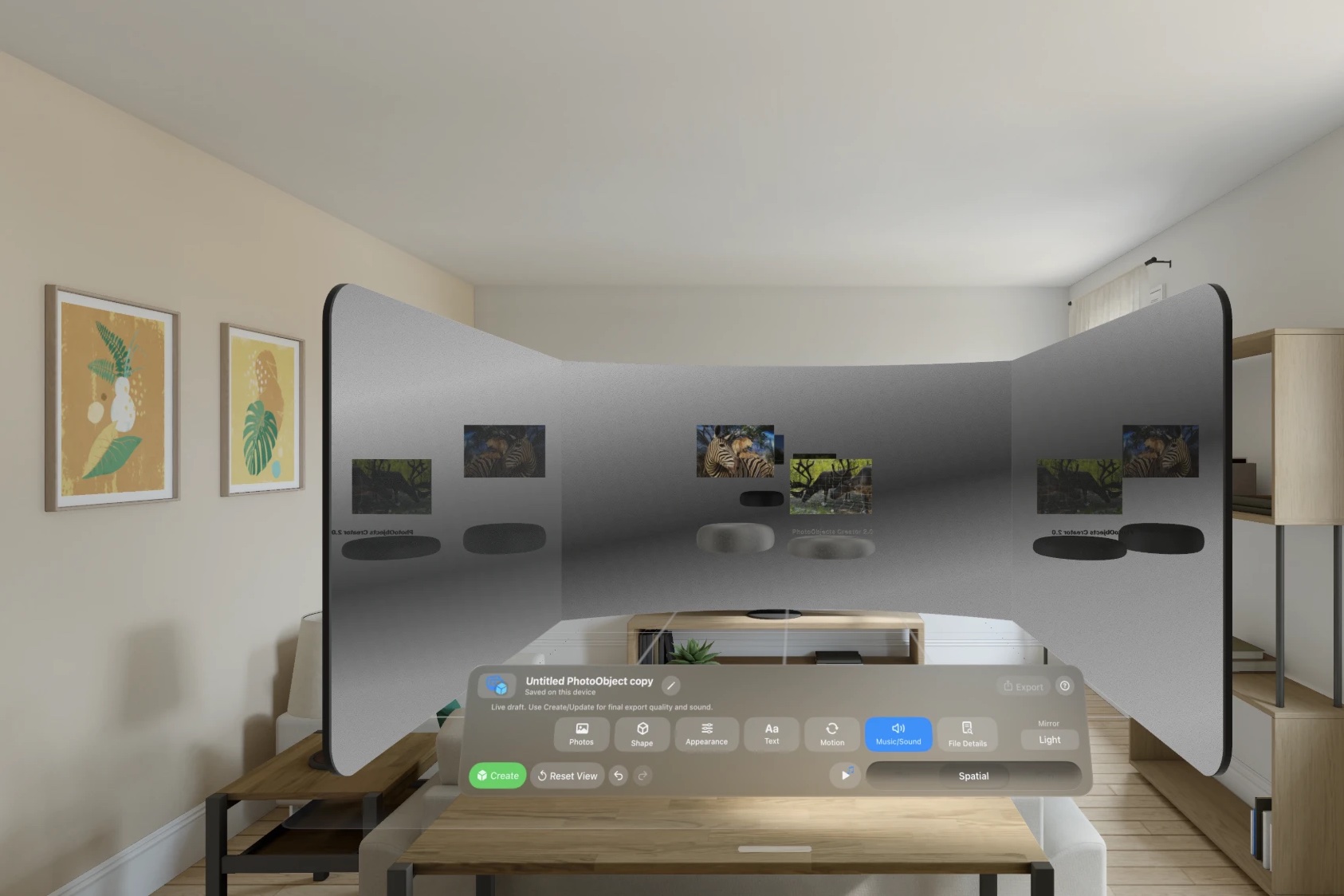
Your draft floats in the room at its real size while you edit. Shapes and objects appear as a grid of small 3D models wearing your photos, and changes fade in smoothly.

⇪

Better Exports

A new USDKit exporter on OS 27 produces cleaner USDZ files, and the quality slider shows the estimated file size as you move it.

A Look at the Beta

The Objects menu on iPhone
Choose an object from the Shape menu
Filling an object's frames from the photo tray on iPhone
Fill its frames from the photo tray
The spatial workspace on Apple Vision Pro, with a draft reflected in mirror walls above the editing panel
On Apple Vision Pro, your draft floats in the room while you edit, reflected in mirror walls

Try a Sample Object

Download the Stone Islands object with forest and glacier photos
USDZ

Stone Islands

Drag to turn it.

Pinch and hold the model, then drag it into your room.

Tap to download (21 MB).

Download (21 MB)

Made in the 2.0 beta

This Stone Islands object carries four photos on its floating frames, front and back, and plays music when it opens.

On Apple Vision Pro it shows in 3D right here: pinch and hold it, then drag it out into your room. Safari on iPhone, iPad and Mac with OS 27 shows it in 3D too.
To see it in AR, download it and open it from Files. On Vision Pro, opening it straight from Safari shows an error for objects that play music or move; this is a known issue.

No app needed. It's a good way to see what an exported object looks like before you join.

Join the Beta

  1. Get TestFlightInstall Apple's free TestFlight app on your iPhone, iPad or Vision Pro.
  2. Open the inviteTap the button below on that device and accept the invitation in TestFlight.
  3. Create and tell usMake something. Take a screenshot in the app to send feedback straight from TestFlight.

This is beta software, so expect rough edges and please report anything odd. Purchases in TestFlight are free test purchases, and you won't be charged. Builds expire after 90 days. You can also email photoobjectscreator@tornmetal.com.

Support